Mercusys MR70X v1
Specifications§
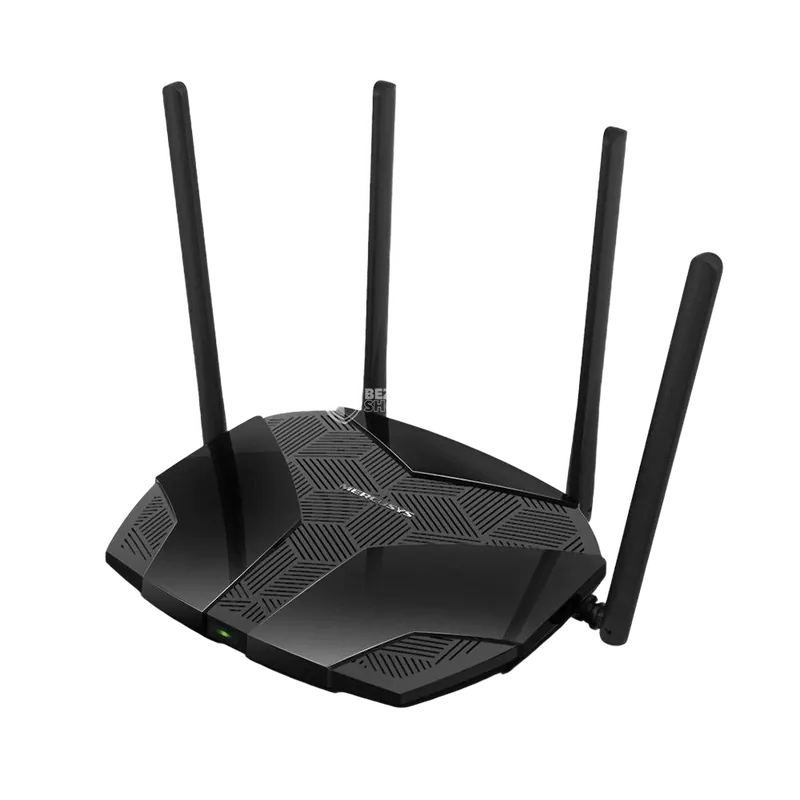
- Processor
- MediaTek MT7621AT, MIPS, 880 MHz
- Flash memory
- 16 MB SPI
- RAM
- 128 MB
- Ethernet
- 3 × 1G LAN + 1 × 1G WAN
- USB
- none
- Wi-Fi chip
- MediaTek MT7905DAN + MediaTek MT7975DN
- Wi-Fi 5 GHz
- AX, 80MHz, 2x2, 1201MB/s, 1024QAM
- Wi-Fi 2.4 GHz
- AX, 40MHz, 2x2, 574MB/s, 256QAM
Build features§
- FunctionalityExcept:
Cloud services - Factory resetWith the Reset button
- LEDSystem
Internet connected - Mesh compatibilityWith original devices and clones
- Built-in storageEntware cannot be installed
Preparing for flashing§
- Download and unpack the firmware archive The “Download” button is in the panel under the device name.
- Connect the router to the computer with a cable (Ethernet) Flashing over Wi-Fi is not possible.
Installing from stock firmware§
-
Installing Breed Install Breed following the guide by zbancam or any other known method.
-
Choosing the firmware Unpack the archive and, in the
Чистая установка(clean installation) folder, pick the file that matches your flash memory size. -
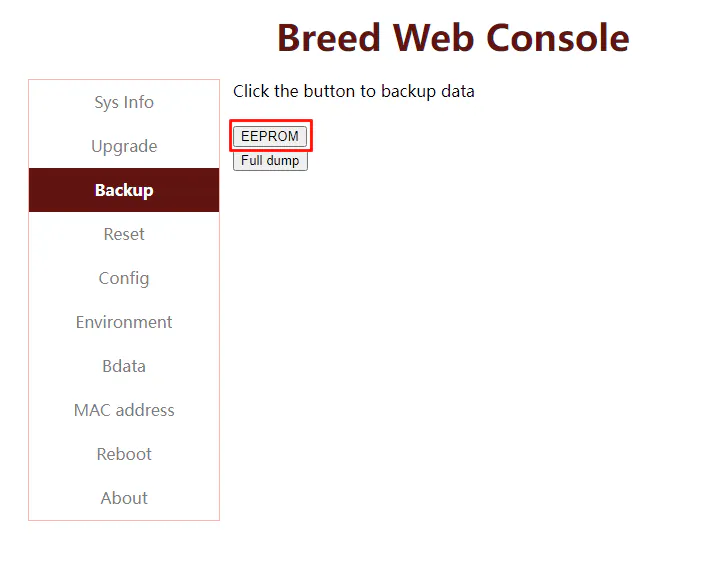
EEPROM backup Save an EEPROM backup in Breed.
-
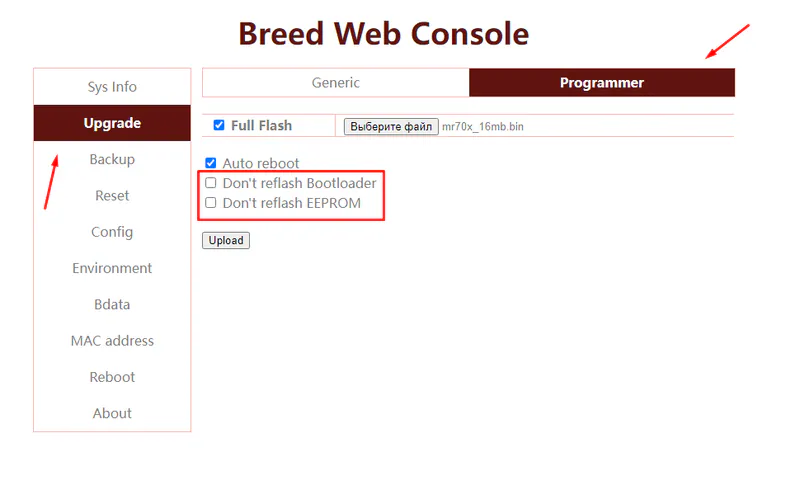
Flashing In the second item of the second tab, choose the firmware, clear the last 2 checkboxes and confirm the upload.
-
Restoring the EEPROM After the installation, enter Breed again by holding Reset and restore the EEPROM saved in step 3.
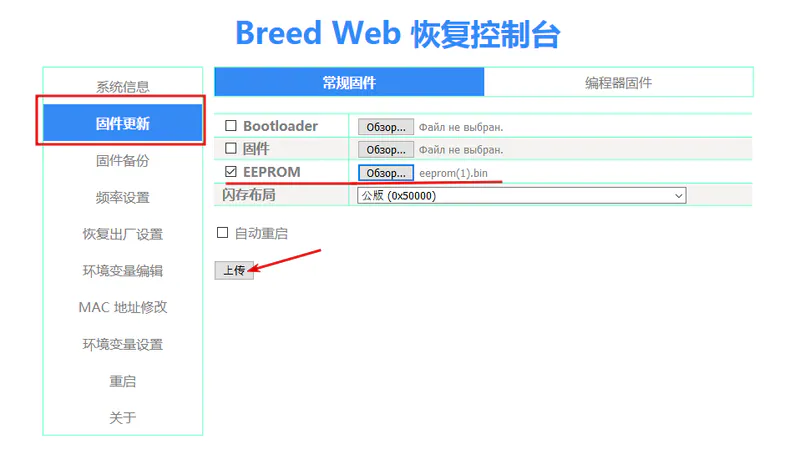
After the reboot the device starts
Done!
Router access
- Web interface
- 192.168.1.1
- Wi-Fi password
12345678
Updating the firmware§
To update, use the method for SPI memory.
Reverting to stock firmware§
You will need the flash memory backup (16 or 32 MB) saved before flashing. The steps are in the instructions for SPI memory.
System screenshots§
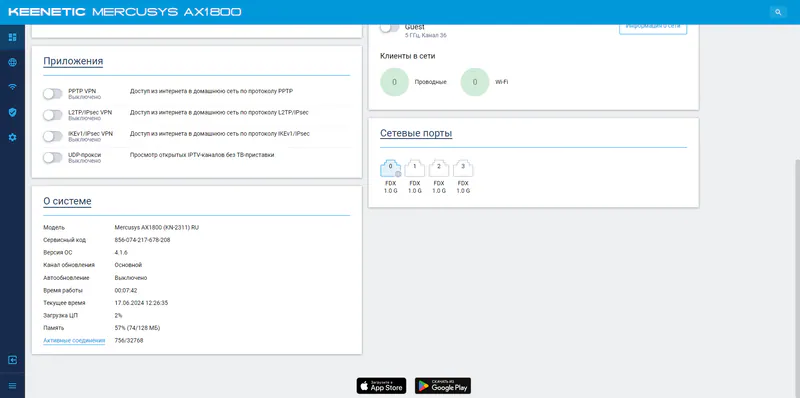
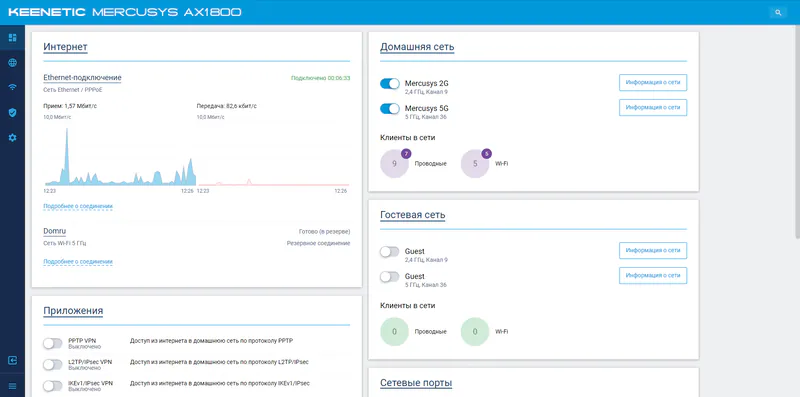
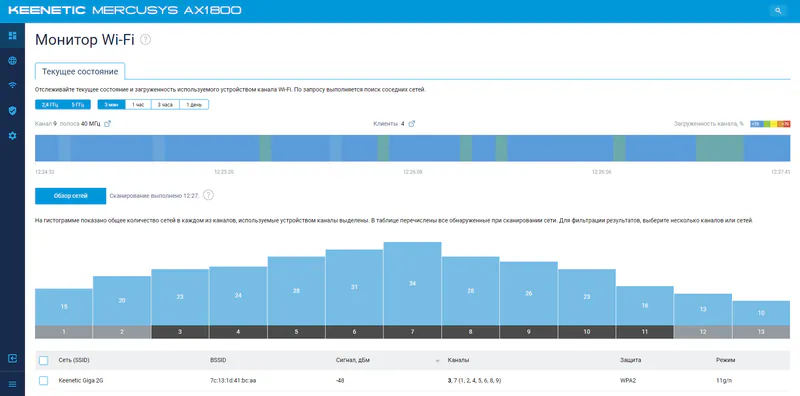
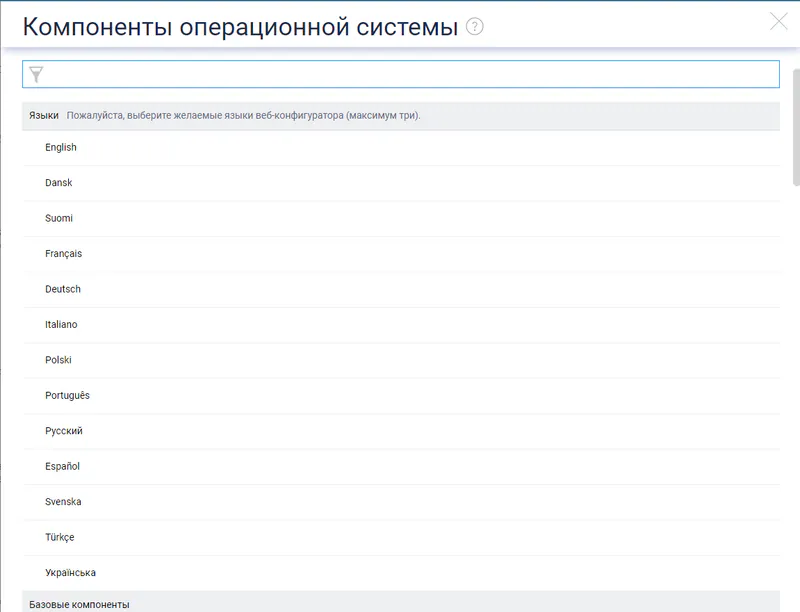
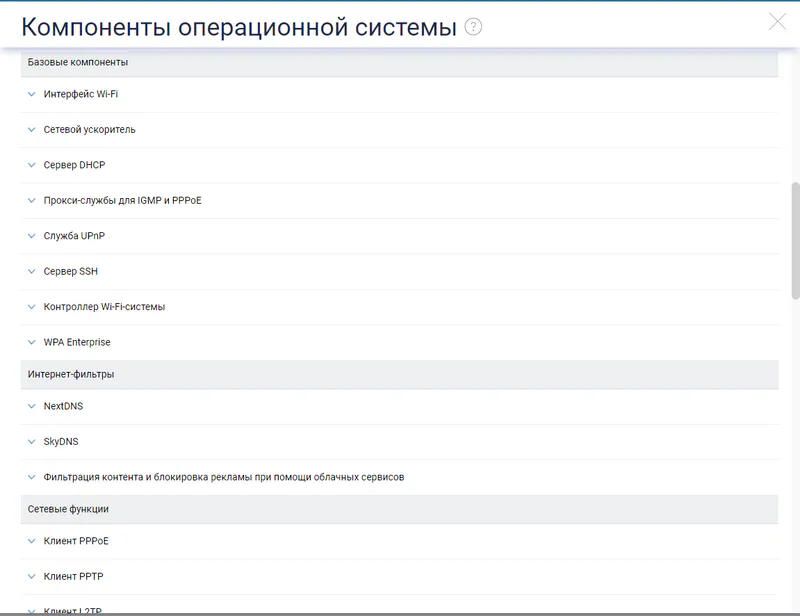
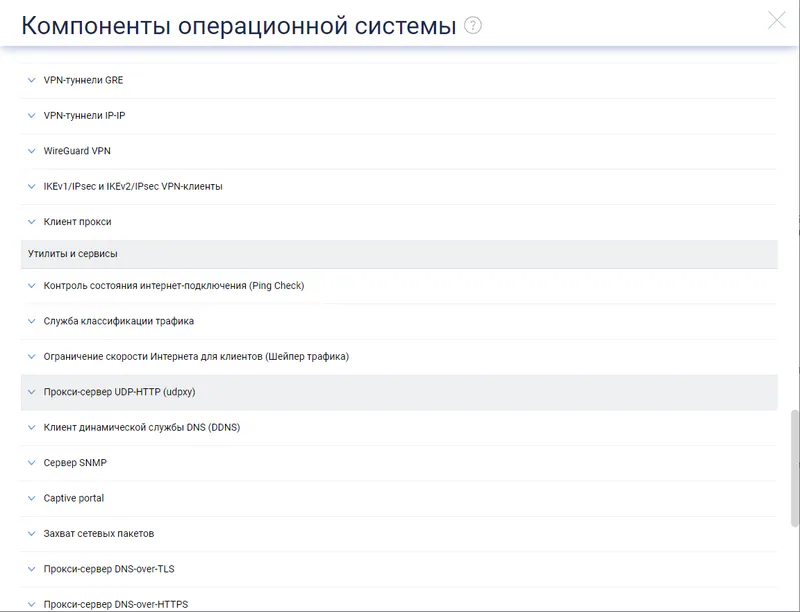
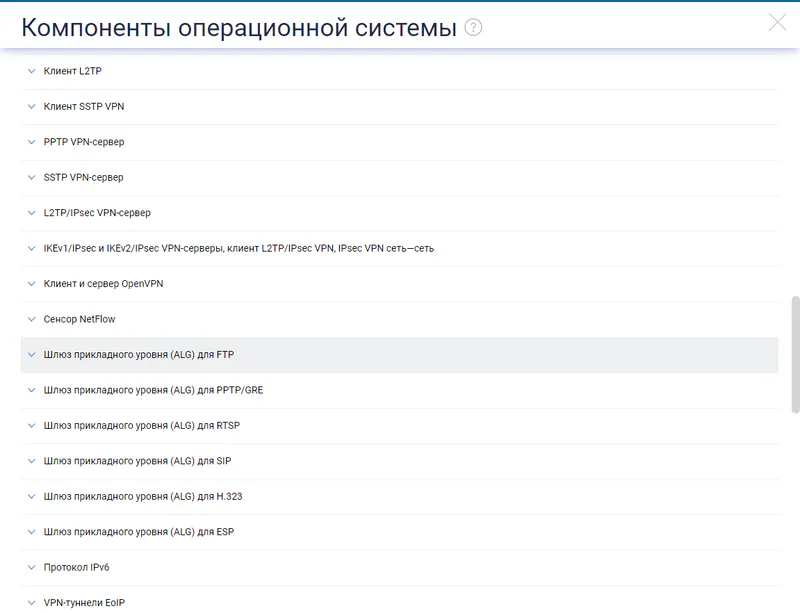
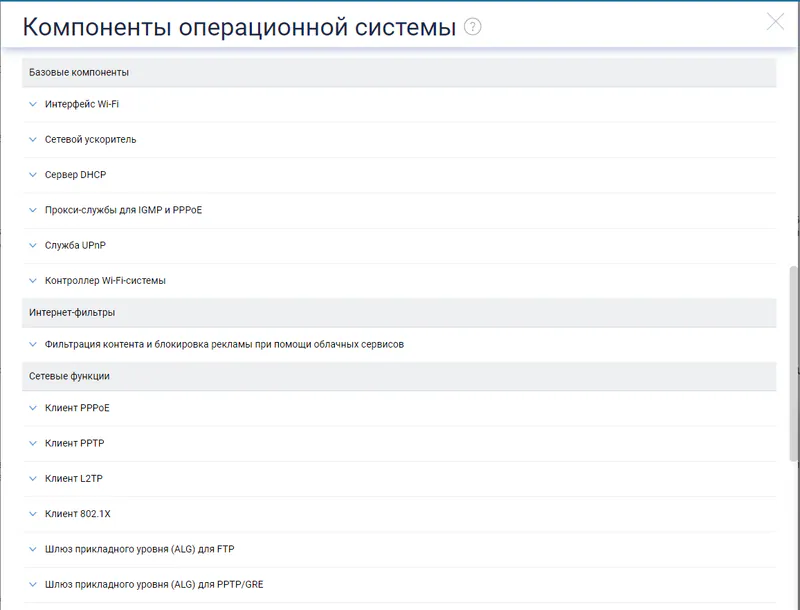
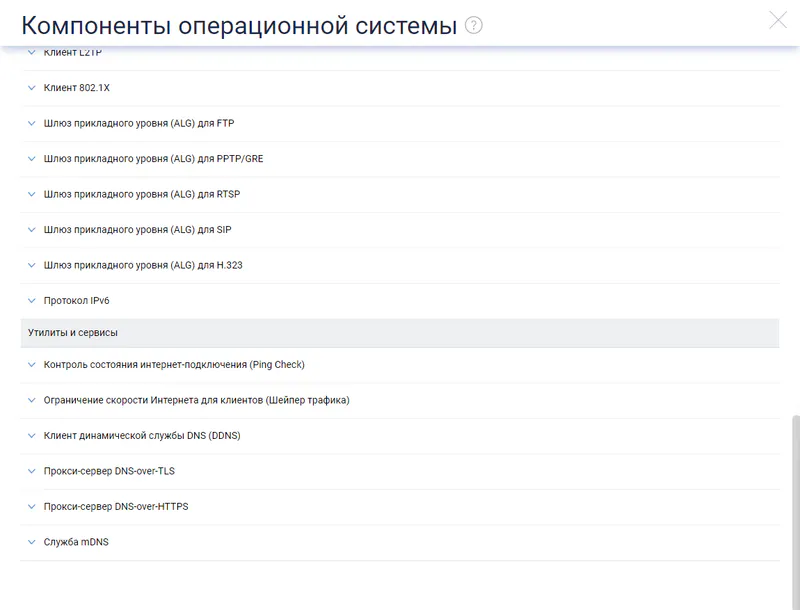
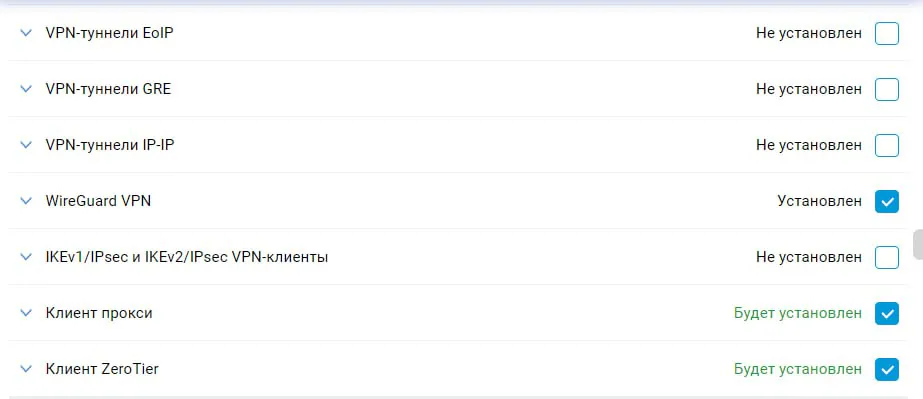
Components for 16MB§
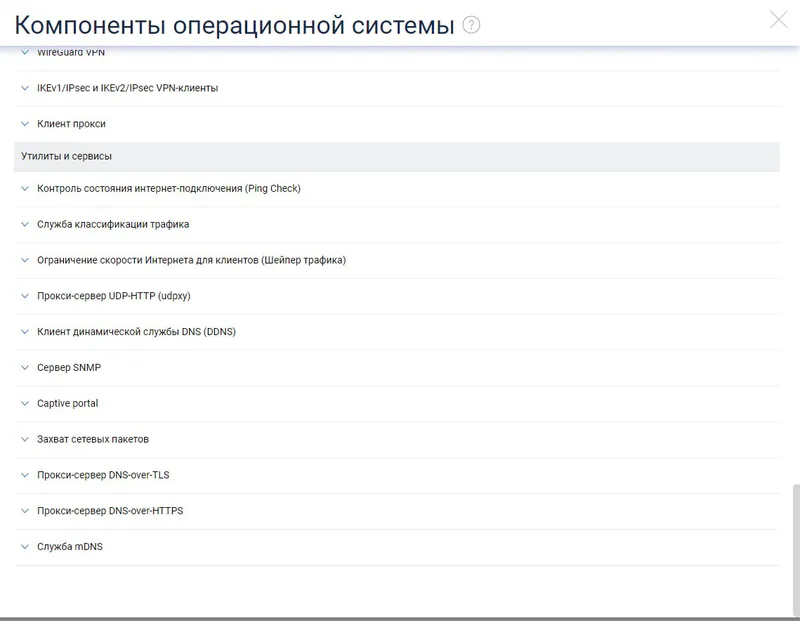
Components for 32MB§