Cudy WR3000P
Specifications§
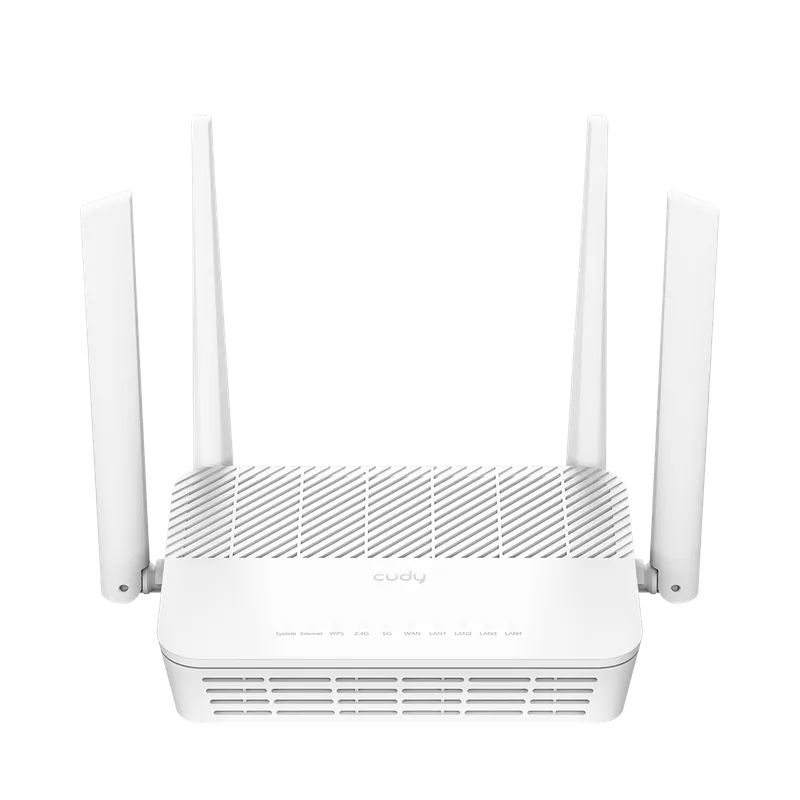
- Processor
- MediaTek MT7981B, aarch64, 1300 MHz
- Flash memory
- 128 MB NAND
- RAM
- 512 MB DDR4
- Ethernet
- 4 × 1G LAN + 1 × 2.5G WAN
- USB
- 1 × USB 2.0
- Wi-Fi chip
- MediaTek MT7976CN
- Wi-Fi 5 GHz
- AX, 160MHz, 2x2, 2402MB/s, 1024QAM
- Wi-Fi 2.4 GHz
- AX, 40MHz, 2x2, 574MB/s, 256QAM
Build features§
- FunctionalityExcept:
Cloud services
The 2.5G port
Components - Factory resetWith the Reset button
- WPS buttonYes
- LEDsYes
- Mesh compatibilityWith original devices and clones
- Built-in storage70.9 MB, Entware can be installed
- Modem rebootWorks without a hardware mod
Preparing for flashing§
- Download and unpack the firmware archive The “Download” button is in the panel under the device name.
- Connect the router to the computer with a cable (Ethernet) Flashing over Wi-Fi is not possible.
About the flasher program
Cudy_WR3000P_flasher.exe creates backups, prepares the EEPROM, generates new service data and installs the firmware. When it finishes, the router reboots automatically.
Installing from stock firmware§
- Installing OpenWrt From the factory firmware, install OpenWrt with the file from the archive:
Cudy_WR3000P-v1-sysupgrade.bin. - Uploading the image In the OpenWrt web interface, upload
default-openwrt.binas an update. - Flashing After the reboot, run
Cudy_WR3000P_flasher.exe, click “Install” and wait until it finishes. - System start The device starts within ~3 minutes.
Done!
Router access
- Web interface
- 192.168.1.1
- Login
admin- Password
12345678- Wi-Fi password
12345678
Updating the firmware§
To update, use KeenBOOT or KeenKit — the methods for NAND memory.
Since version 5.0.7 the firmware can also be updated through the web interface.
Reverting to stock firmware§
The revert is done from a full backup through the KeenBOOT bootloader. The steps are in the instructions for MT7981.